Showing posts with label jadine rose. Show all posts

Friday, 21 January 2011

Evaluation - Question 4

What have you learned from your audience feedback?

I received feedback on my video from various people. Some where from my targets audience for my genre which is indie, also some where members from my class. I collected the feedback after the viewing of my video in the cinema. Some of the audience feedback was as followed;

- Good establishing shots
- vivid close up shots
- Split screen works well with the narrative of the song
- Lip sync in time with the music 
- Conforms to their genre
- Strong editing techniques

However, although we received those good comments we also had a criticism that kept coming up;
'opening shot too long and some shots were too dark'. After looking back on my own video and reviewing it, i also agreed with these points made. Our opening shot was a bit too long, however, that was meant to be our establishing shot and the beginning and end. 


I feel i have learnt how to edit and shot effectively. Due to the feedback i received i understand which parts of my video i would have changed if i could;
- The parts that were too dark
- The establishing shot at the beginning

i would have made sure we film when the weather was similar and lighten the contrast of some shots. I would also cut a few seconds off of the beginning shot. Although, I'm saying this i do still feel my video was a success and enjoyable to watch. I feel i have meet the needs of my target audience and conformed with the genre. 

Evaluation - Question 3

How did you use media technologies in the construction and research, planning and evaluation stages?


The Internet has been a good source when researching. I have used various sites to help gain knowledge on the genre.  I have used Blogger, Google and YouTube. 


Blogger has helped me in recording my journey through creating my music video, advertisement and digipak. Google has enabled me to gather information and visual images to compare other artists, which has influenced me immensely. Also, used YouTube to view other artists video to provide me with some inspiration and ideas. 

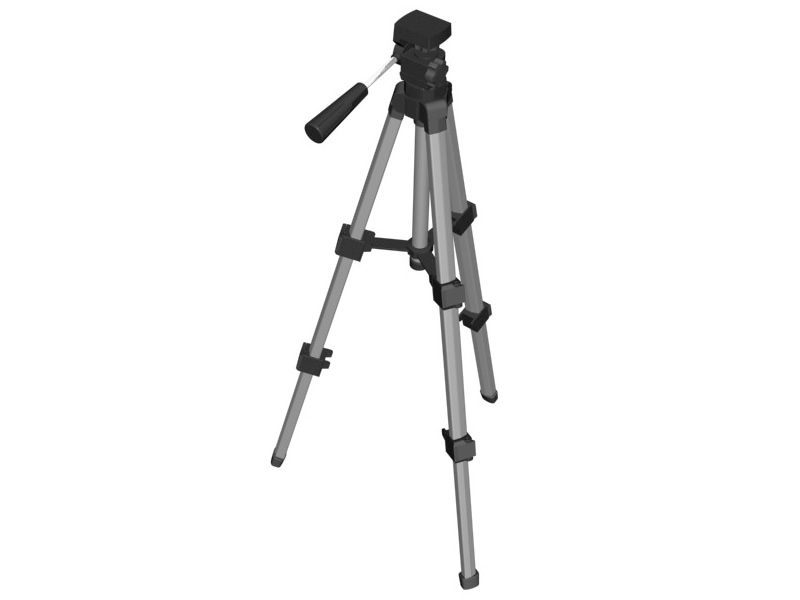
I have also used a different of technologies to help create my products. I have used video camera, digital still camera, tripod and memory card. 


To create the clips for my video, i mainly used a video camera to record my shots. The tripod allowed us to steadily shot our shots and make sure our framing was correct and levelled. The memory cards protected the work we filmed on the camera and allowed us to import our work onto the computers. We used digital still cameras to take photos of our potential locations and also on-set photos. 

I also used Final Cut Pro and Photoshop to help me with my practical work further. 


Final Cut Pro allowed me to create my music video. It enabled me to cut shots, put shots in certain places  and allowed my music to be insync with my clips. Photoshop helped me to create my ancillary texts. It provided me with the different layers styles, fonts and textures. Photoshop also provided me with visual benefit like the brightness of my image.

All these elements have helped me to produce my final products.

Evaluation - Question 2

How effective is the combination of your main product (video) and ancillary texts (digipak and advertisement)?

I believe i have made strong links between my music video and my ancillary texts. I have constantly used the same image repeatedly for each ancillary texts, which happens to be a screen shot from my music video. I have chosen a text which i feel links with the genre indie but also with my artist. 

Here is the picture of my digipak below;


Here is the image of my advertisement;


Here is the screenshot image from my video that i used to create my product;


I have used this image to advertise my video but i have put effects on it to change the brightness.

Target Audience


Above is a Moodle which us as a group created to identify our audience. We have used words that describe our typical targeted audience. I feel my digipak, video and advertisement suits our intended audience, people who like indie music. My products have been designed with the audience and genre in my mind. I have decided to ensure my products and video was not over exaggerated as, in indie music artists like to ensure that their music is the main focus rather than themselves as an artist. This is why i decided to keep my advertisement and digipak simple. This is to ensure the focus is on my artists music and confined with the genre. I have decided to chose an image from my video to help link my video to my artist, to make my audience recognise the digipak. I feel i have successful created a digipak that represents my chosen genre and the audience that surrounds it.

Evaluation - Question 1

In what ways does your media product use, develop or challenge forms and conventions of real media products?

Our video has been influence by a range of videos. Our main inspiration came from the video 'Kickstart' by the artist Example. The editing aspect of this video was really effective and as a group we felt it made the video unique and creative. Therefore, we decided to use the techniques used in the Example video in our own video. We like the visual effects the splitscreen had on the video, so we decided we would use final Cut Pro to create a edit that was similar to the one in 'Kickstart'. 

Here is the video for Kickstart;


Here is some screen shot that we were influenced by in the Example video and also some shots that we did that were similar.

Here is a split screen shot taken from the video Kickstart.


Here is our split screen shot that we produced by using final Cut Pro.

Here are some more examples of how the video Kickstart influenced our video.


Example's Kickstart


Our version of the edit taken from our video.


Another video that influenced our music video was 'Always' by Blink 182. This video influenced us for the same reason as the Kickstart video did. Blink 182 uses similar editing techniques used in the Kickstart video, so it attracted our attention because it was the same editing techniques used in both videos, however, the genre of music was very different. Therefore we figured that if two very different genres of music could create the same edit, it would work with our video and genre. 

Here is the video for Blink 182's song 'Always'.


I feel by researching other video's it has help us with creating the visual aspects of our video. Also, by trying to create specific editing techniques, it has helped me to gain the skills need to use Final Cut Pro. After, the production of our film, it has made me more confident in using Final Cut Pro, framing my camerawork, cutting my shots insync with the music and setting up/ shooting our clips.


The genre for our music video was Indie.
Therefore, i researched our genre to find out what links artists to the genre Indie. I was influenced by the images that we found while creating our moodboard. It helped me to produce the aspects of my digipak. As i researched further i discovered that indie artists like their music to be quite simplistic and plain, therefore, the audience can focus on their music rather than them as artists. Therefore, i have decided to keep my digipak simple. I have used an image for my digipak which is a clip featured in my music video. This is to connect my digipak with my artist and also to keep my work simple.


Here is our moodboard that has helped me to create my digipak and advert.


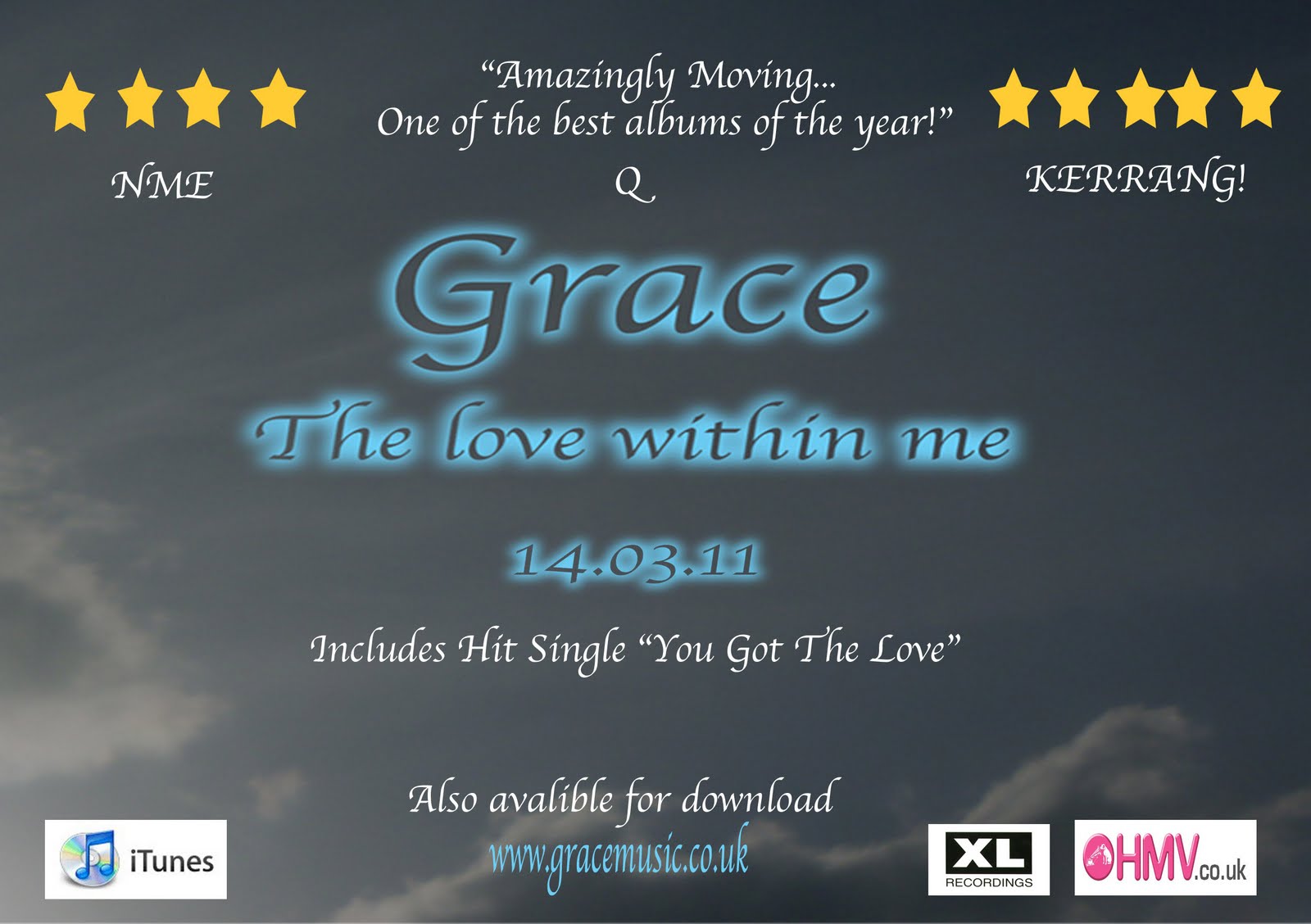
Here is my digipak and advertisement below


Advertisement


                                                                             Digipak
                

Production - Final Digipak

Final Digipak


Here is an image of my completed digipak


                                  Back panel                                                         Front Panel

Production -Final Advertisement

Final Advertisement

Here is the advertisement for my video


Planning - Photo that i plan to use in my digipak and advertisement

I plan to use this image in my digipak and advertisement because in is an image from my video. i wanted to chose an image from my video to help my audience connect my music video to my digipak. I plan to use this image on all four panels of my digipak, to keep it simple. I feel it is a nice simple background image, however, i am going to put a font colour over it to bring out the beauty of my image. I'm  not planning to use an image of my artist on my digipak because indie artists like to focus on there music rather than themselves. 


Planning - Do's and Dont's


Do's
 - Use a clear font
- Use fonts that represent the genre
- Use appropriate industry logo's and conventions

Dont's
- Stretch images
- Place text over the artist's face
- Use unnecessary effect

Planning - Short-List of fonts, colours, layout and design ideas

Fonts
Before chosing my font i went through a range of fonts to decided which was most suited for my genre. My genre was indie so from previous research review other indie digipak and advertisements i notice that there was a pattern of font styles. The pattern that i saw was that all the indie artists chose a font that was simple but also has a egde of style to it. After going through all the fonts i was looking at two particuar styles; Apple Chancery and Algerian. These two fonts suited my genre and had that essents of style that i was looking for to suit my artist. After much thought i decided to chose Apple Chancery as the main font i was going to use. I liked this font because it was simple and had an edgy style.


Layout
After looking at many different digipaks, i decided that i would create a four panel digipak. My reason for this was because my genre is indie and the style that indie artistschose is to keep it simply and focus moreon the music rather than themselves as an artist. I decided to have an image on my digipak that was from my video. I chose to do this because from the reasearch i gathered on artist's digipaks, most of them chose to have an image from their video as their digipak cover.

Colours
The colours that i am planning to use are earthy colours such as blue, grey, white, green and orange. I decided to use colours that were already exsisting in my video. I feel that i should use natural colours and colours that are light. 


Design Ideas
I like this image as it is simple and plain,however, i think the colours i am going to use for the fonts will contrasts nicely with the background image. Also, this is an image from my video so it will link my artist to my digipak.


Tuesday, 18 January 2011

Research - Analysis of three advertisements that relate to our genre

Here are a few digipak advertisements from the same genre as my music video. All these artists are involved in the indie genre and their advertisements and digipak help to show this. These artists that i chose, use the same image that is on their digipak to advertise their release of there album. This helps the audience recognise and identify the digipak and connect it to the artists. Here are a few examples i researched that display this.


Plan B


Digipak

Above it shows the artists Plan B's digipak cover.


Advertisement
Above is the advertisement Plan B used to promote his digipak. It is the same image he used on his digipak this helps the intended audience to link him to his digipak when they see this advertisement.

Florence and the Machine


Digipak

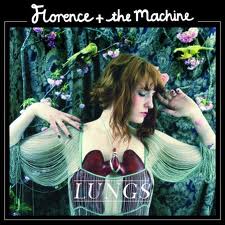
Above is the digipak for the indie artist Florence and the Machine. 


Advertisement

Above is the advertisement Florence and the Machine has chosen to used to promote her digipak. Although, the image is slightly darkened it is the exact image used in her digipak. So, the audience would immediately relate this advertisement to her digipak. 

Au Revoir Simone


Digipak

Above shows the digipak for the artist Au Revoir Simone.

Advertisement

Here is the advertisement Au Revoir Simone has chosen to promote her digipak. It is the same image used on her digipak, making it easier for her audience to find her digipak in the stores. 

Research - Analysis of three digipaks that relate to my genre

After finishing our music video, we now had to create a digipak and advertisement to help promote our artist. We started off by researching some digipaks of artists and advertisements that could be linked to the same genre of our video.

Here are some of the digipaks that i chose to look at;

Katy Perry - Teenage Dreams


Katy Perry has used a vibrant range of colours and exaggerated the tones of the colours to make them look airbrushed. I like the way the digipak cover portrays an image of the sky but the focus is on her because of her dark brunette hair. Katy Perry is known for being in the pop genre, which is obvious from the text she has chosen. Her digipak cover is coherent with her music video 'California Gurls' and this image is taken from that video as it is shows below.


Beyonce Knowles - B-Day (Deluxe Edition)


Beyonce Knowles has used an image of herself standing in front of an open field with the sky as her background image. She is know for her famous pop songs and her outrageously energetic videos. The digipak cover are significantly similar to her music video 'Deja Vu'. As it is shown she has linked her digipak image to clips in her video to help connect it to her as an artist. Here is her video for 'Deja Vu'.


Corinne Bailey Rae - The Sea


Corinne Bailey Rae has used the sky and nature to make her digipak cover background. Her calm attitude is perceive through her body positioning, which links to her music and the genre she is associated with. She is an indie artist and her choice of colour and text font helps to show this. Her digipak cover resembles her video for the song 'Put Your Records On'. Here is her video for 'Put Your Records On'.

Monday, 17 January 2011

Production - Analysis of one sequence from the rough cut


After receiving feedback from our teacher, we focused on the points in our video that we needed to change. A particular shot that we planned to change - due to the feedback from our teacher - was the shot at the end of our video. We decided it would be better if we filmed a shoot of our artists holding hands at the end. We decided on this because;
  • it gave us an alternative to end the clip
  • prevented us form re-using our previous clips
  • it also suited our song choice and helped develop the theme of 'love' further


Production - Feedback From The Rough Cut

After viewing our rough cut video to our teacher, she provided us with positive feedback to help improve our video. Here is the list of suggestions she though we should consider when producting our final edit:
  • Cut our clips to ensure they precisely match the beat of the music
  • Film new footage for the ending rather than reusing the same clip
  • Try to shorten the clip of the artist singing at the end
  • Find alternative ways of writing 'You Got The Love'
As a group, we began deciding on ways to incorporate the feedback we received into our final video. As a group we came up with these points:
  • Use clips of the artist singing 'You Got The Love' to provide various ways of showing different ways of writing the lyrics
  • Editing our clips between shots again to ensure it is precisely match to the music
  • Use a wider range of shots/angles to reduce the clip of the artist singing
  • Film a shot of the two main artists walking away holding hands to prevent us from reusing footage

Sunday, 17 October 2010

Tuesday, 5 October 2010

Planning - Shortlist of potential songs

Here are four potential songs for our music video:

Florence and the Machine - You Got The Love (Original)


The XX ft Florence and the Machine - You Got The Love


Florence and the Machine - Howl


The Saturdays - Missing You